 Alarm clock for heavy sleepers
 The alarm that won't stop until you're actually up.
Arisely rings at full volume until you finish a wake-up mission you choose: solve math, scan a barcode across the room, or do push-ups the camera counts. No sleepy one-tap off button.
Free download · No account · Android
- Turn off by
- Finishing 1 of 10 missions
- Reliability
- Exact alarms on the alarm channel
- Privacy
- No account · Alarms stay on your phone
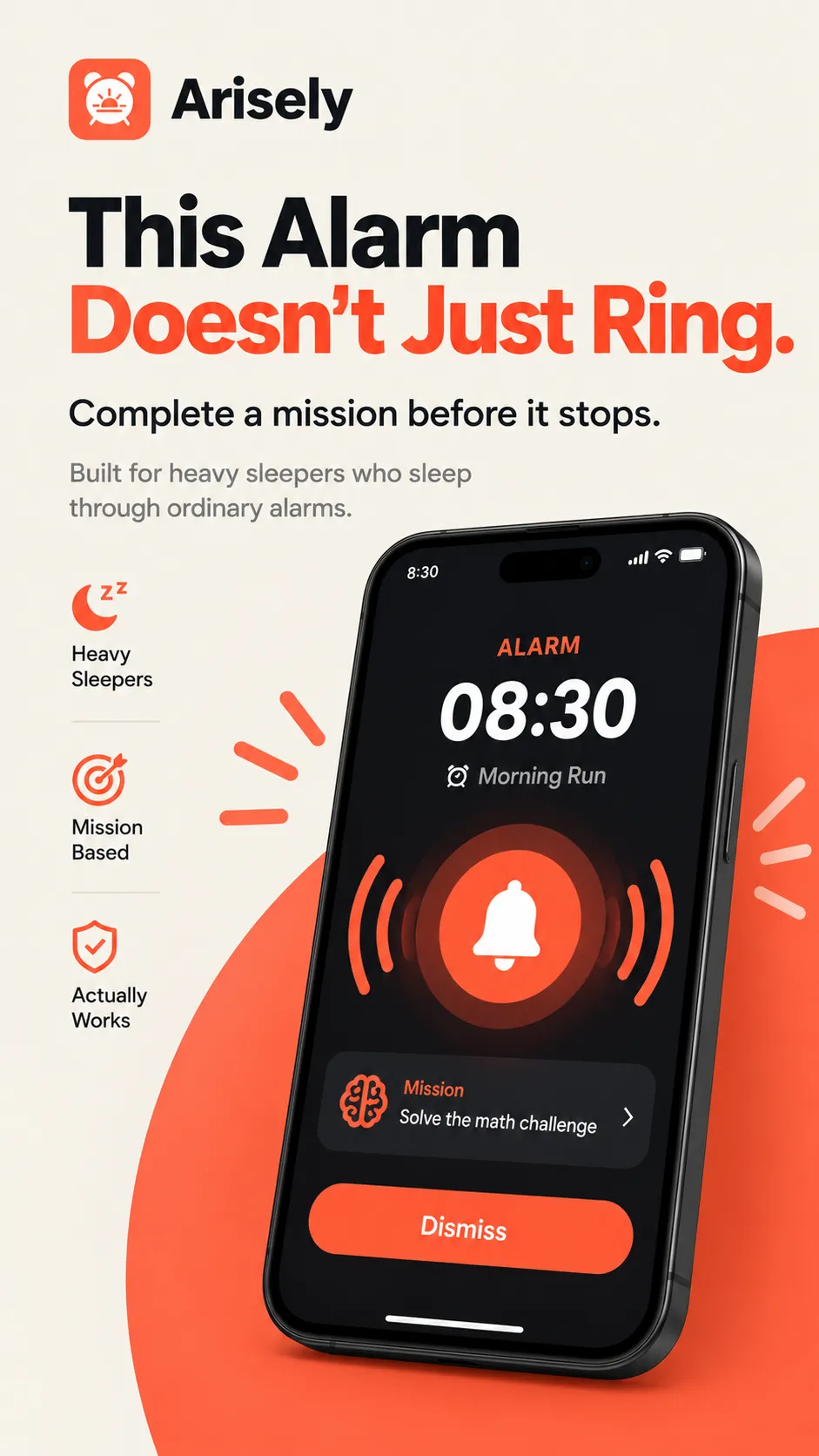
It's not your willpower. It's the off button.
A normal alarm can be silenced with one tap, and your half-asleep brain is very good at finding it. That is how you turn off an alarm you never remember hearing. Arisely removes the easy off switch.
- 1
Set an alarm and pick a mission
Choose one of 10 missions and an Easy, Medium or Hard difficulty to match how deeply you sleep.
- 2
It rings at full volume
The sound plays on Android's alarm channel, so it rings even with media muted or Do Not Disturb on.
- 3
Finish the mission to stop it
There is no slide-to-stop. The alarm goes quiet only when the task is done, and by then you are awake.
Match the mission to how deeply you sleep.
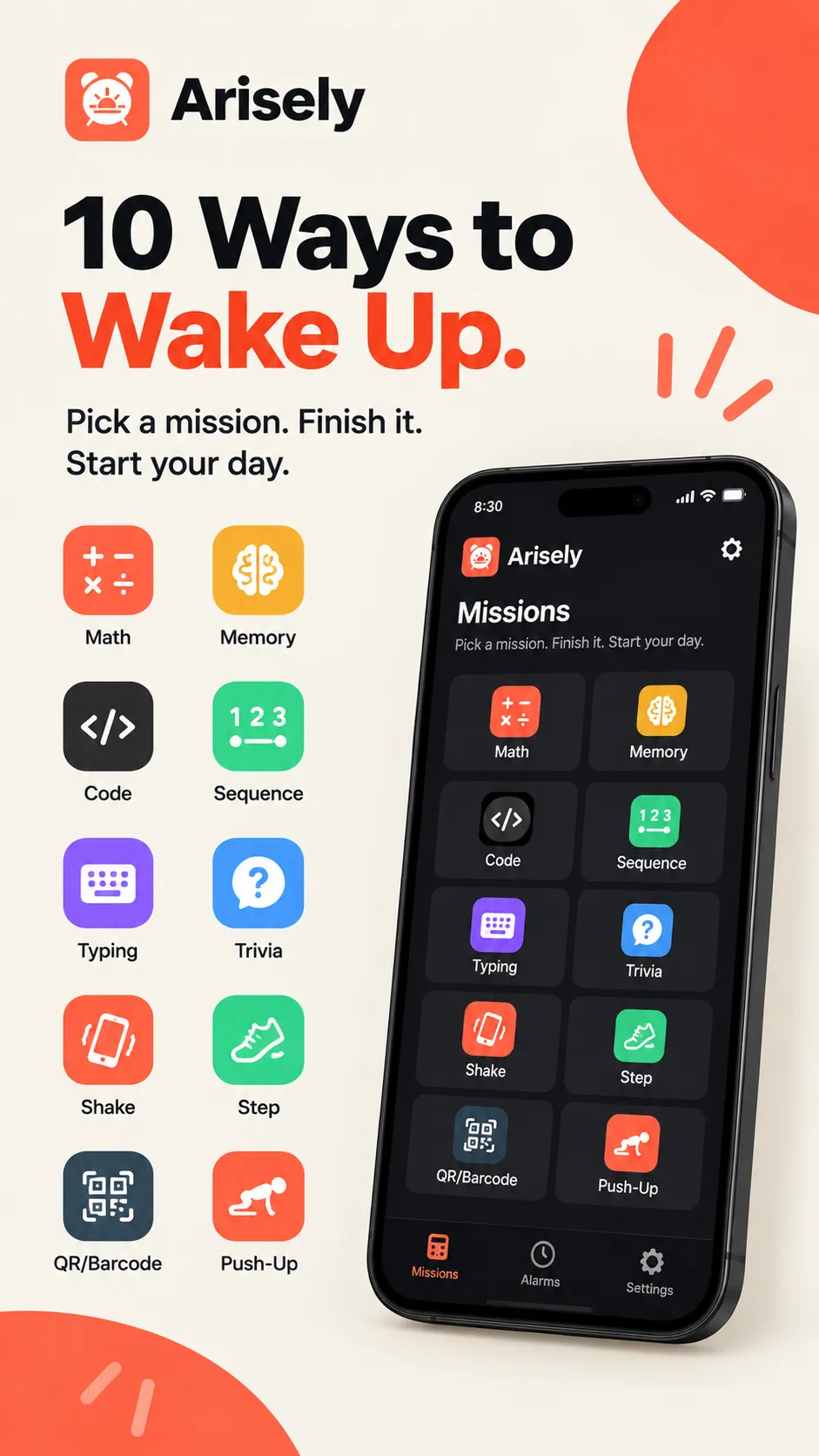
A quick math problem is enough for light sleepers. For the heaviest sleepers, put a barcode in the kitchen or make yourself do push-ups.
- Math Solve a quick problem
- Memory Watch a pattern, then repeat it
- Code Retype a random code exactly
- Sequence Find the next number in the pattern
- Typing Retype a short phrase exactly
- Trivia Answer a multiple-choice question
- Shake Shake your phone a set number of times
- Step Take a set number of steps
- QR / Barcode Scan a code you placed away from your bed
- AI Push-Up Do push-ups the camera counts
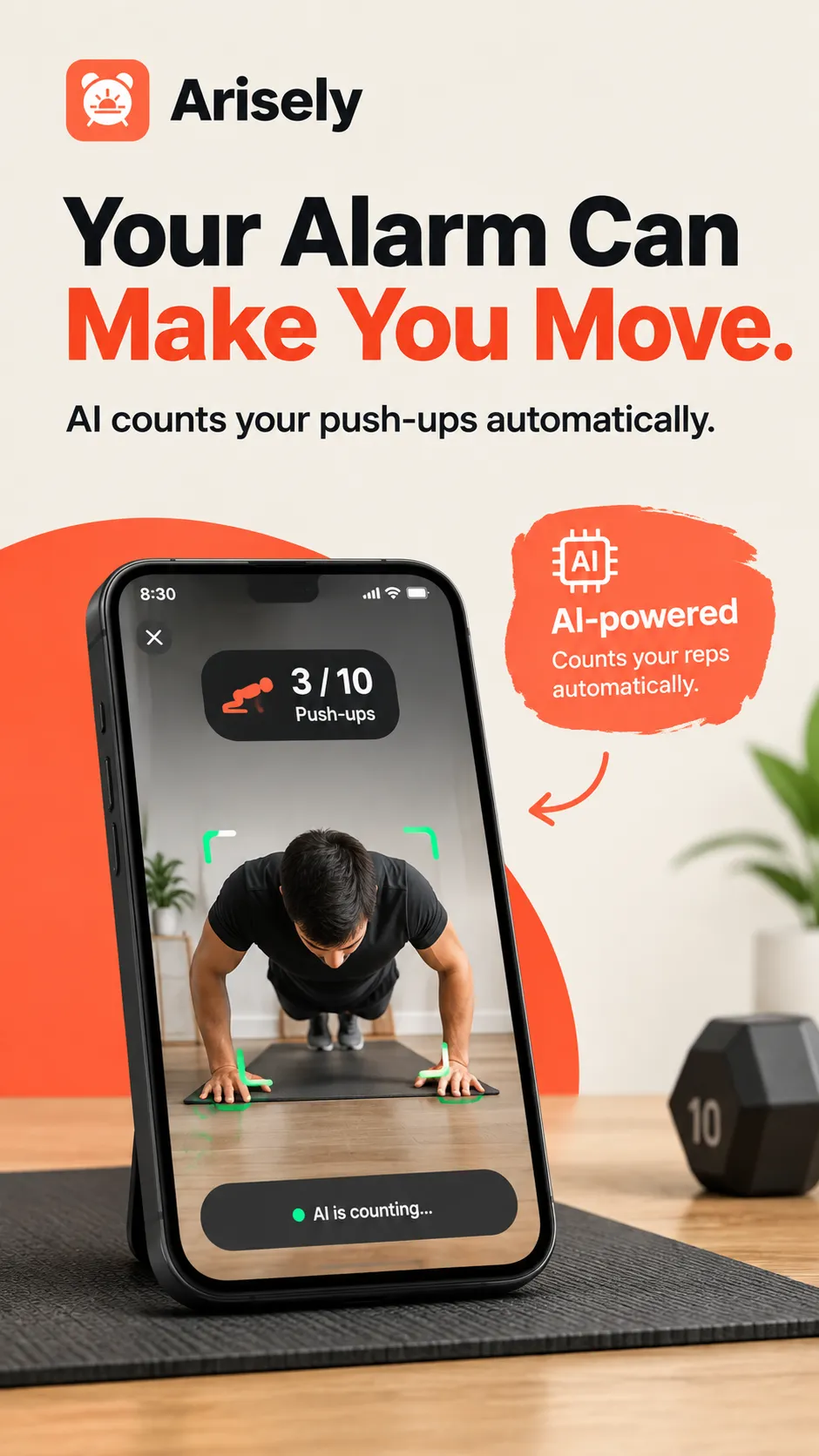
An alarm that makes you move.
Set a push-up count and prop the phone up. The camera counts every rep and checks your form in real time, so you can't fake it or skip it. Once your heart rate is up, getting back into bed is a decision, not a reflex.
- Reps counted automatically by the camera
- Form checked in real time, so half-reps don't count
- Camera frames are processed on your phone and never recorded, stored or sent
A hard alarm is useless if it rings late.
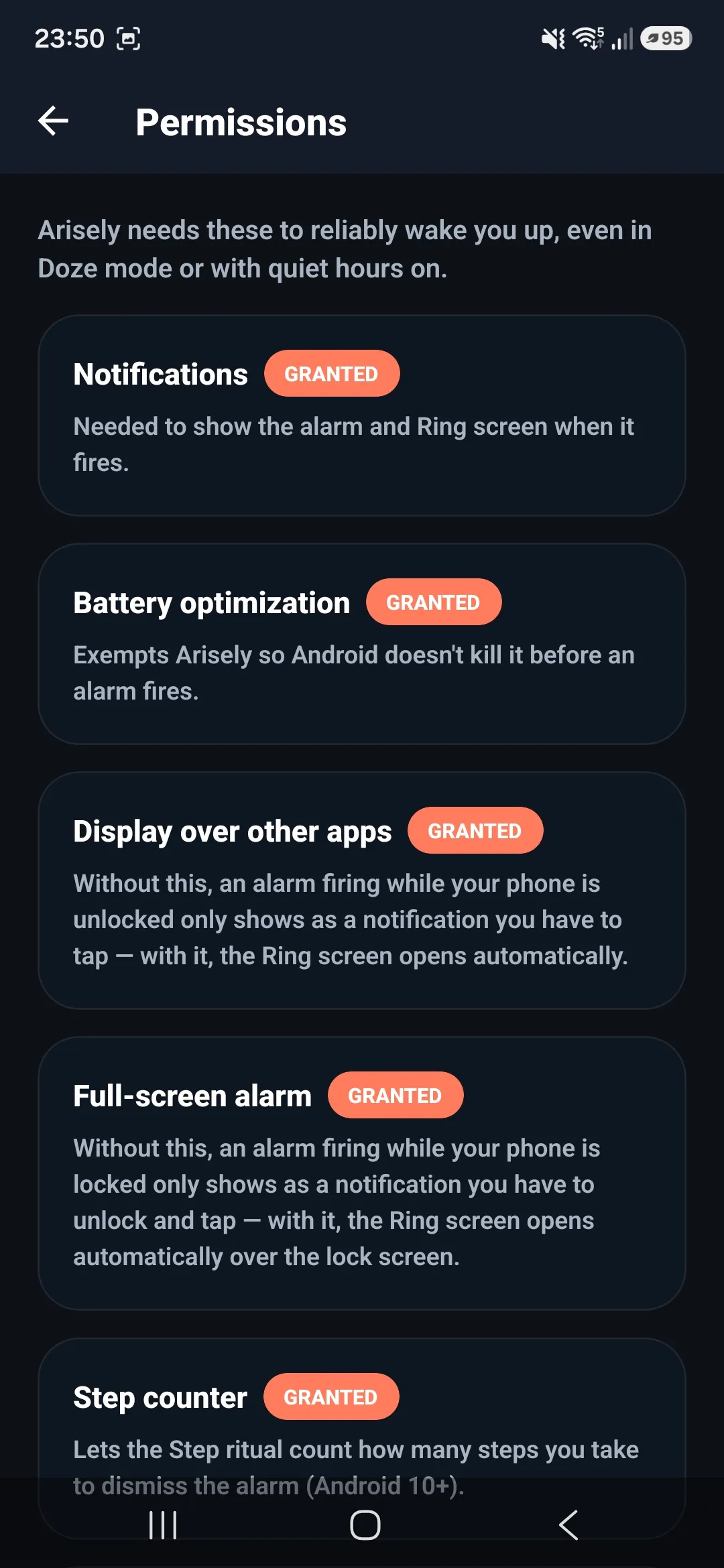
Android's battery rules can delay or silence alarms from ordinary apps. Arisely asks for the permissions that keep it on time, and explains each one.
Exact-time alarms
Fire at the minute you set, even when the phone is locked, idle or the app was closed hours ago.
Alarm audio channel
Rings at full volume with media muted or Do Not Disturb on, with an extra-loud boost if you need it.
Full-screen over the lock screen
The ring screen opens on its own instead of hiding in a notification.
Survives restarts and battery savers
Alarms are rescheduled after a reboot, and a battery-optimization exemption stops Android killing the app.
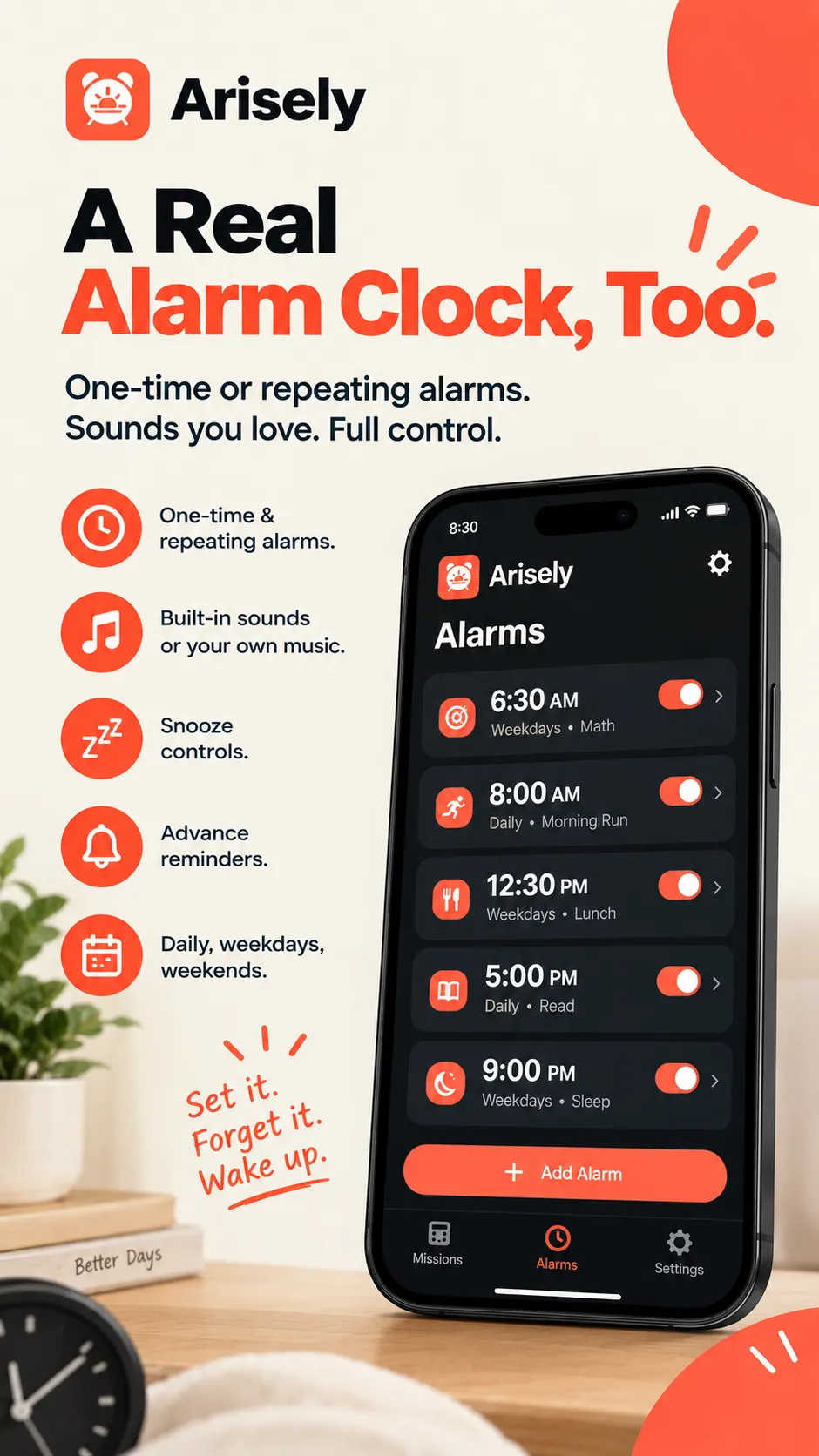
All the everyday basics.
- Repeating alarms for the days you choose, plus one-off alarms
- Snooze length and snooze limit you set, or snooze off entirely
- Reminders before upcoming alarms
- Wake to a built-in sound or any audio file on your phone
- A sleep log of bedtimes and each morning's alarms
- Dark mode and 12/24-hour time
See Arisely in action.
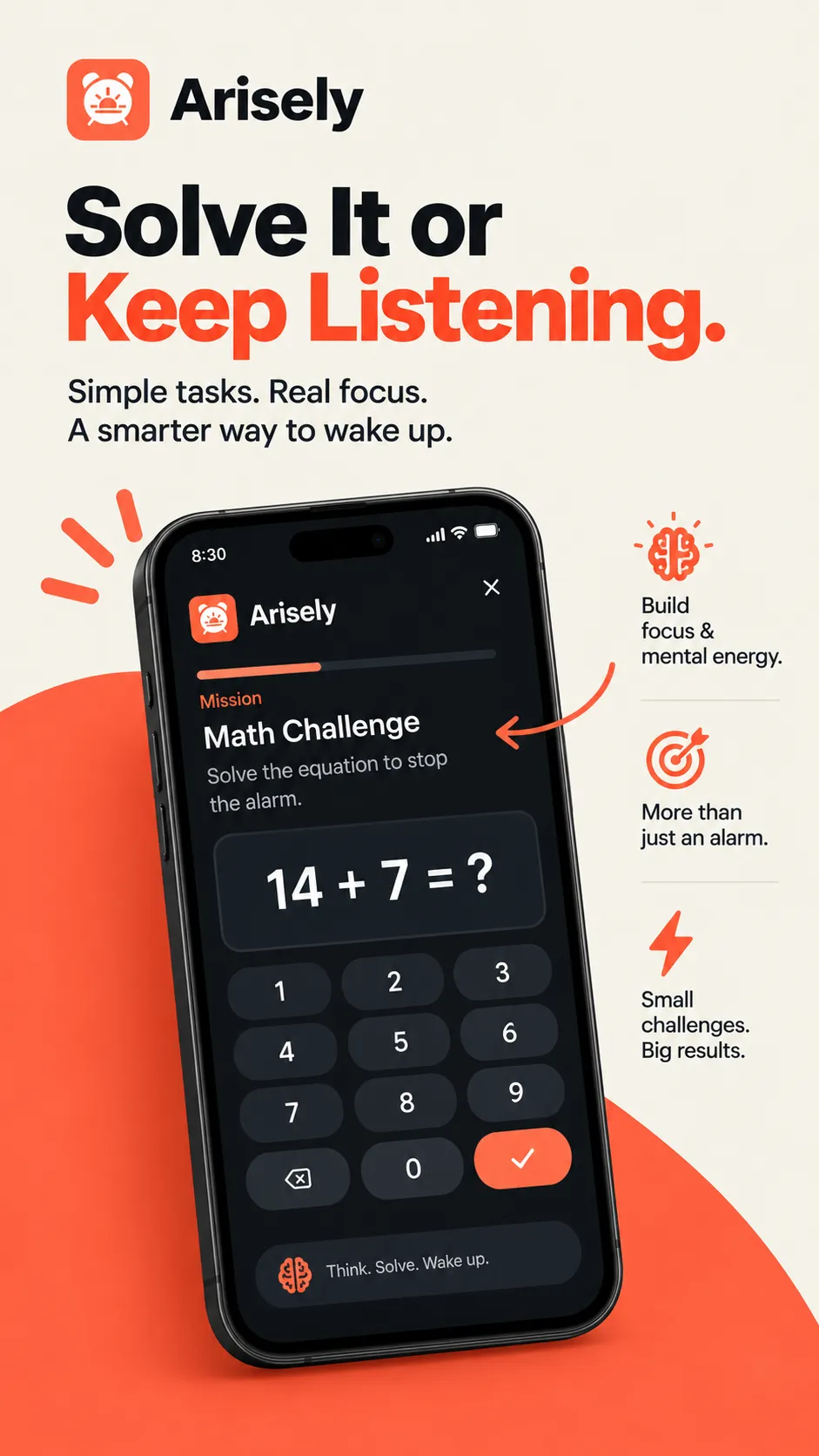
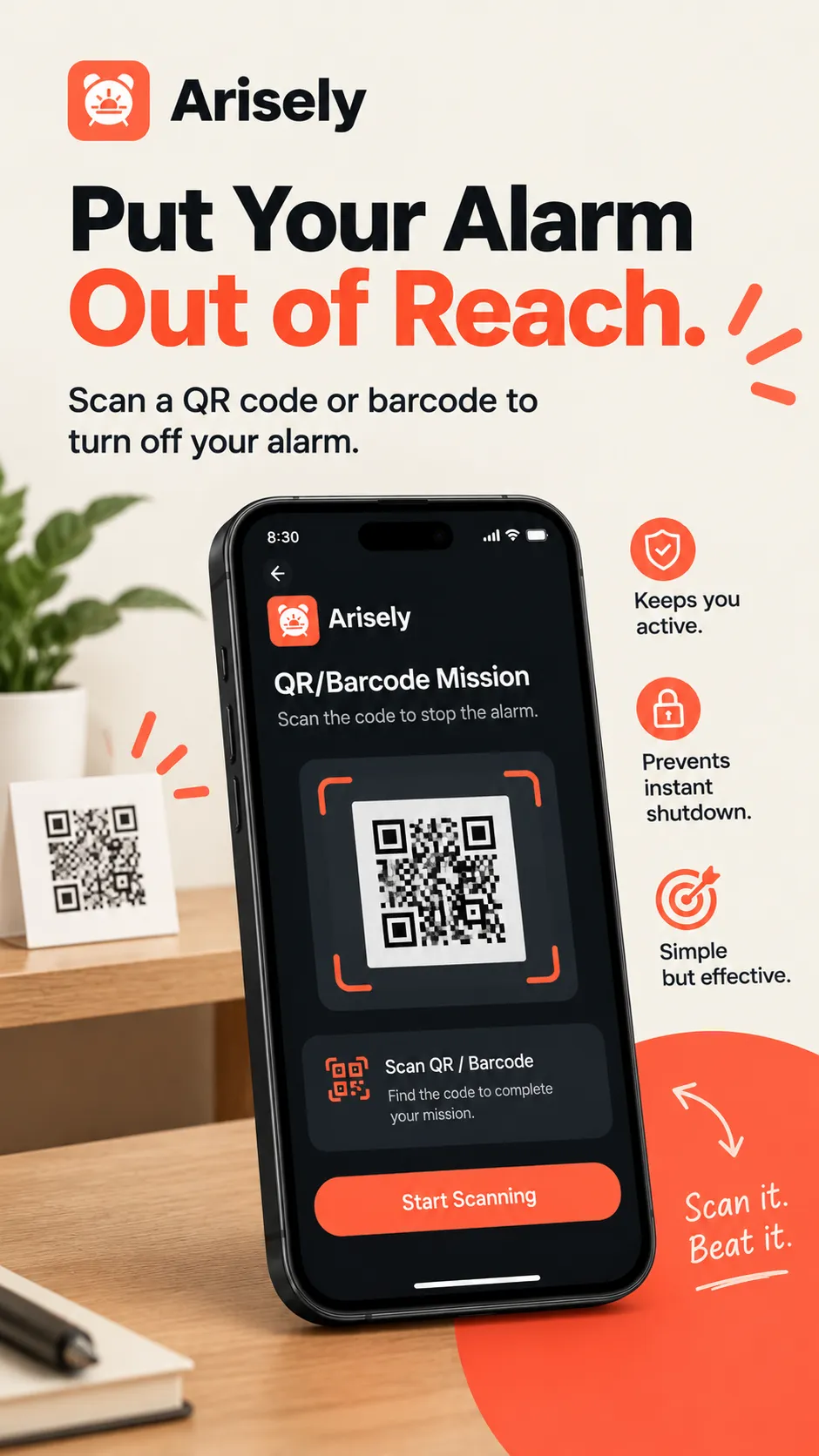
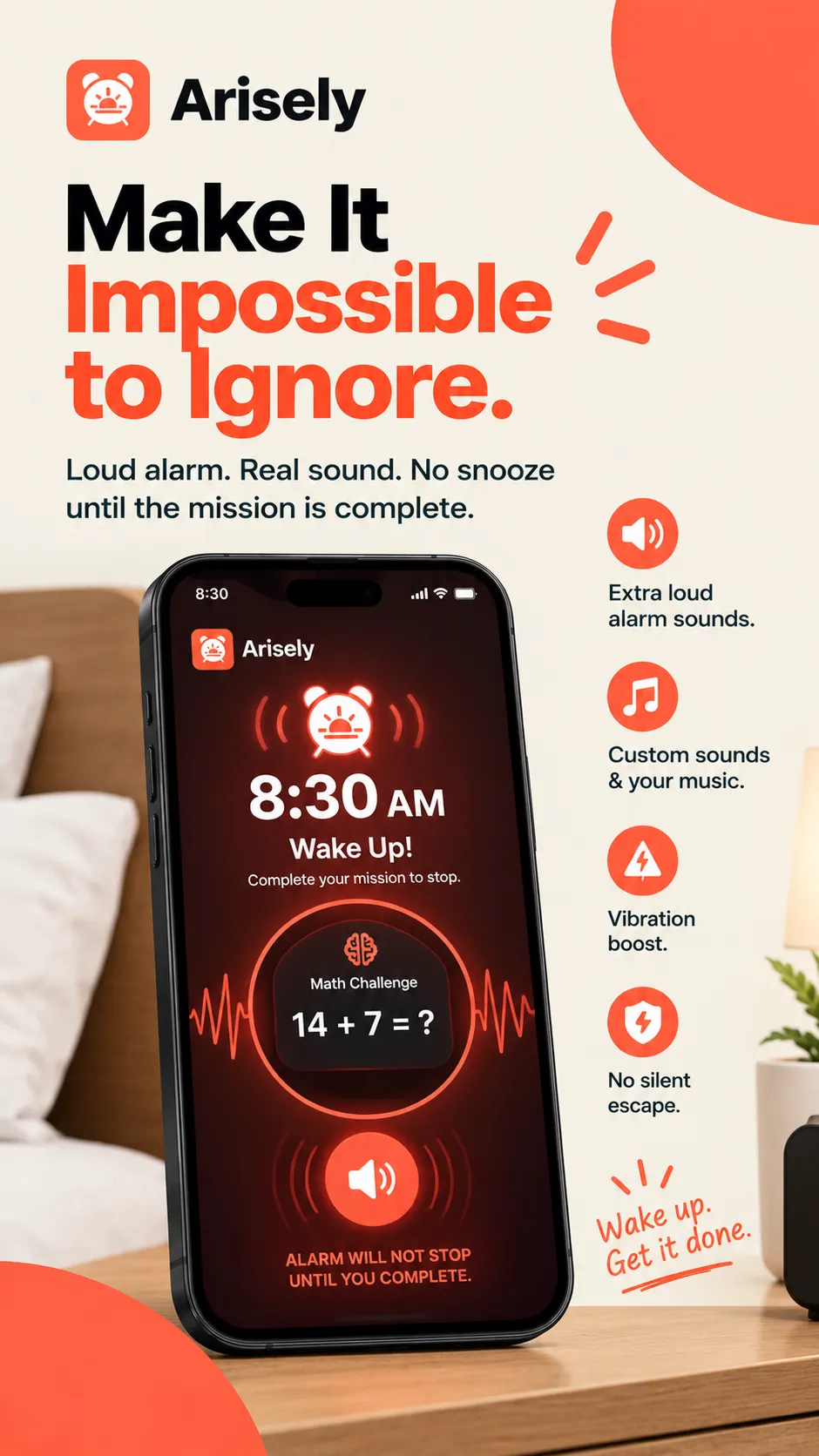
No account. Your alarms stay on your phone.
No account, no sign-up
Install it and set an alarm. No email, no login.
Stored on your device
Alarms, settings and your sleep log are never sent to Arisely's developer or any server. There is no cloud sync.
Camera stays local
Push-up and barcode frames are processed on your phone and never recorded, stored or sent.
Free, with an optional Pro
Arisely is free to download. The free version shows one banner ad on the Alarms, Sleep and Settings tabs — never on the ring screen, during a mission or over your lock screen. Arisely Pro, monthly, yearly or a one-time lifetime purchase, removes the ad.
Read the privacy policyArisely vs a standard alarm app
| Feature | Standard alarm app | Arisely |
|---|---|---|
| Turn off | One tap or slide | Only by finishing a mission |
| Volume | Can be muted by media volume or Do Not Disturb | Alarm channel, full volume |
| Reliability | Can be delayed by battery limits | Exact-time alarms, even when locked or closed |
| Physical wake-up | None | Push-ups, steps, shake or a walk to a barcode |
| Account | Sometimes required | None |
Frequently asked questions
What is Arisely?
Arisely is an Android alarm clock for heavy sleepers. Instead of a single off button, it keeps ringing at full volume until you finish a wake-up mission you choose, such as solving math, scanning a barcode or doing push-ups counted by the camera. It is made by AppLass.
How does Arisely stop me sleeping through my alarm?
It removes the easy off switch. The alarm plays on Android's alarm audio channel, so it rings even with media muted or Do Not Disturb on, and it only stops once you finish your mission. Because the mission needs real attention or movement, you can't dismiss it in your sleep.
What wake-up missions does Arisely have?
Arisely has 10 missions: Math, Memory, Code, Sequence, Typing, Trivia, Shake, Step, QR / Barcode and AI Push-Up. You can choose Easy, Medium or Hard difficulty, and use a quick math problem for light sleep or push-ups and a barcode across the room for the deepest sleep.
How does the AI push-up alarm work?
You set a number of push-ups and place the phone where its camera can see you. Arisely counts each rep and checks your form in real time, and the alarm keeps ringing until the set is done. The camera frames are processed on your phone and are never recorded, stored or sent.
Will Arisely ring if my phone is locked or on Do Not Disturb?
Yes. Arisely uses exact-time alarms that fire even when the phone is locked, idle or the app has been closed for hours, and it plays on the alarm audio channel, which Do Not Disturb and muted media do not silence. It also reschedules your alarms after the phone restarts.
Is Arisely free? Does it have ads?
Arisely is free to download and needs no account. The free version shows one banner ad on the Alarms, Sleep and Settings tabs, never on the ring screen, during a mission or over the lock screen. Arisely Pro, sold monthly, yearly or as a one-time lifetime purchase, removes the ad.
Does Arisely collect my data?
Your alarms, settings and sleep log stay on your phone and are never sent to Arisely's developer or any server. Only two third parties are involved: Google AdMob receives your advertising ID to show the banner ad to free users, and RevenueCat checks whether Pro is active using a random anonymous ID.
Wake up on the first alarm

Get up on the first alarm.
Pick a mission tonight. Tomorrow, the alarm keeps ringing until you've done it.
Get it on Google PlayFree download · No account · Android