We have all been there: you’re listening to a 2-hour podcast or a lo-fi study mix on YouTube, but your phone screen is glowing like a miniature sun in your pocket. Not only is this a recipe for “ghost touches” that skip your favorite tracks, but it is also the fastest way to kill your battery.
While premium subscriptions offer background play, there is a more efficient, hardware-level solution that doesn’t require a monthly fee or invasive permissions. Enter ScreenVeil, the lightweight utility designed to turn your screen into a battery-saving black void while your audio keeps rolling.
The Science of Saving Juice: Why “True Black” Matters
If you own a modern smartphone (like a Samsung Galaxy, Google Pixel, or high-end OnePlus), you likely have an AMOLED or OLED display. Unlike traditional LCDs that use a constant backlight, OLED pixels are self-emissive—meaning they produce their own light.
When an OLED pixel displays “True Black,” it physically turns off. It consumes zero power.
Expert Insight: According to data presented at the Android Dev Summit, using dark modes or black overlays can reduce display power consumption by up to 63% on AMOLED screens at maximum brightness.
By using an app like ScreenVeil to overlay a pure black layer while you stream, you aren’t just “dimming” the lights—you’re essentially putting your hardware into a high-efficiency hibernation mode.
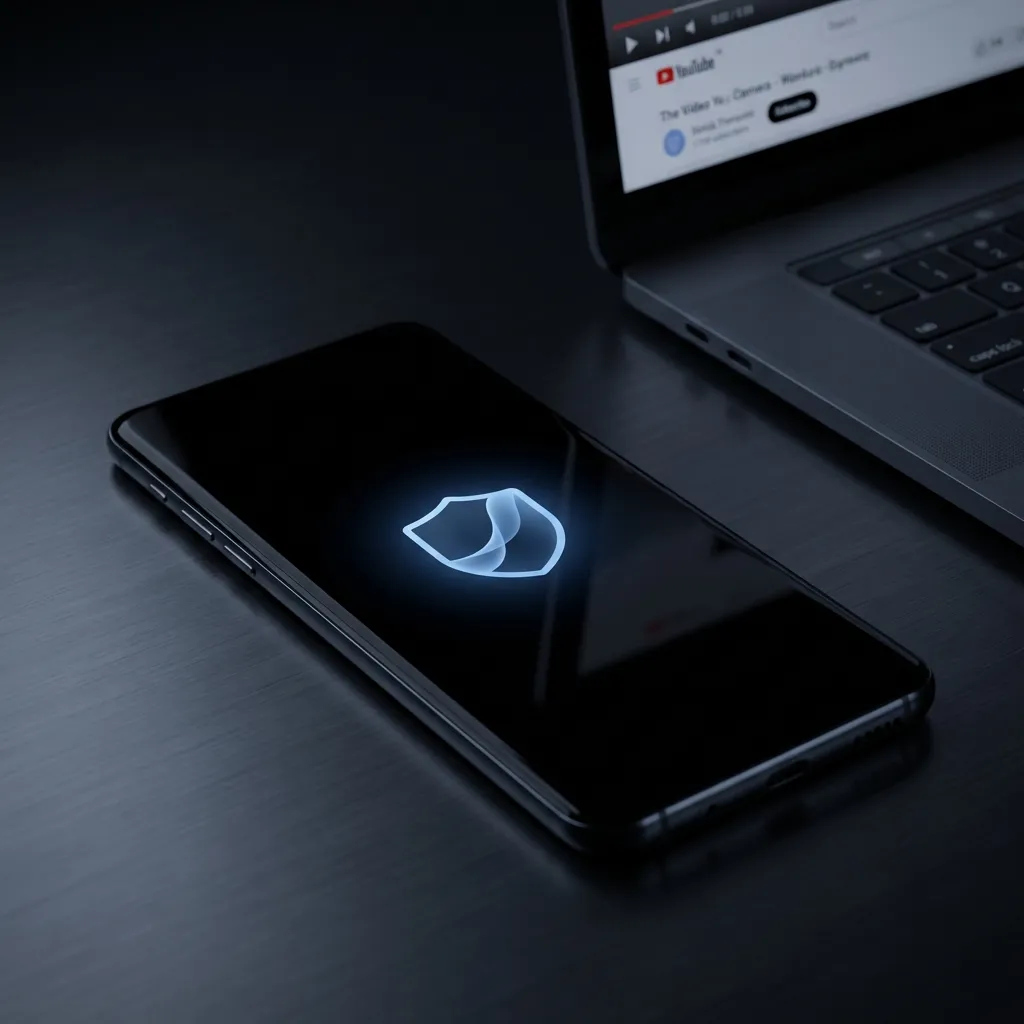
Why ScreenVeil is the Go-To Utility for 2026
In a market crowded with “task killers” and ad-heavy “battery boosters,” ScreenVeil (com.screenveil.app) stands out for its radical simplicity: no ads, no account and a single permission.
1. Universal Compatibility
Unlike browser-based workarounds that Google frequently “whack-a-moles”, ScreenVeil works on top of any app. Whether it’s YouTube, Netflix, Prime Video, or Spotify, if it plays video, ScreenVeil can “veil” it.
2. One Permission, Nothing More
Most utility apps ask for far more than they need. ScreenVeil asks for one permission, “Draw over other apps”, which it uses to create the black overlay. It does not read your screen, record audio or video, or need your files, contacts or location.
3. Smart “Pocket Mode” Protection
One of the biggest pain points of listening to videos on the go is the “ghost touch.” ScreenVeil’s smart unlock system requires a specific tap sequence to reveal the screen, ensuring that your phone doesn’t accidentally call your boss while you’re listening to a sleep story.
How to Set It Up in 30 Seconds
-
Download: Grab ScreenVeil: Screen Off Video from the Google Play Store.
-
Enable Overlay: Grant the one-time “Appear on top” permission.
-
Start Service: Tap the “Start Service” button in the app.
-
Veil It: Open your video app, hit play, and tap the floating ScreenVeil icon. Your screen will go pitch black, but your audio will continue uninterrupted.
The Verdict: Is It Worth It?
If you frequently use your phone for “audio-only” video consumption, the stats don’t lie. Moving from a lit screen to a black overlay removes almost all of the display’s draw — and on AMOLED at full brightness the display is the single largest consumer in the phone.
In an era where battery health is the heart of device longevity, practicing “digital cleanliness” and using hardware-aware utilities like ScreenVeil isn’t just a trick—it’s a necessity for the power user.
Boost Your Shopify Store Too
If you’re also running a Shopify store, check out our Mobile Sticky Cart Guide — the one UX hack that boosted conversions by 15%.
Ready to save your battery? Join 10,000+ Android users.
⬇️ Install ScreenVeil Free | Learn More | See Battery Science