 Black screen overlay for Android
 Screen off. Sound on.
One tap turns your screen black while whatever you were playing keeps playing: a lecture, a podcast, a playlist. Tap again and you're back.
Free download · No account · Android
- on Google Play, 110 reviews
- 4.7★ on Google Play, 110 reviews
- téléchargements
- 10K+ téléchargements
- permission to grant
- 1 permission to grant
Google Play figures, October 2026.
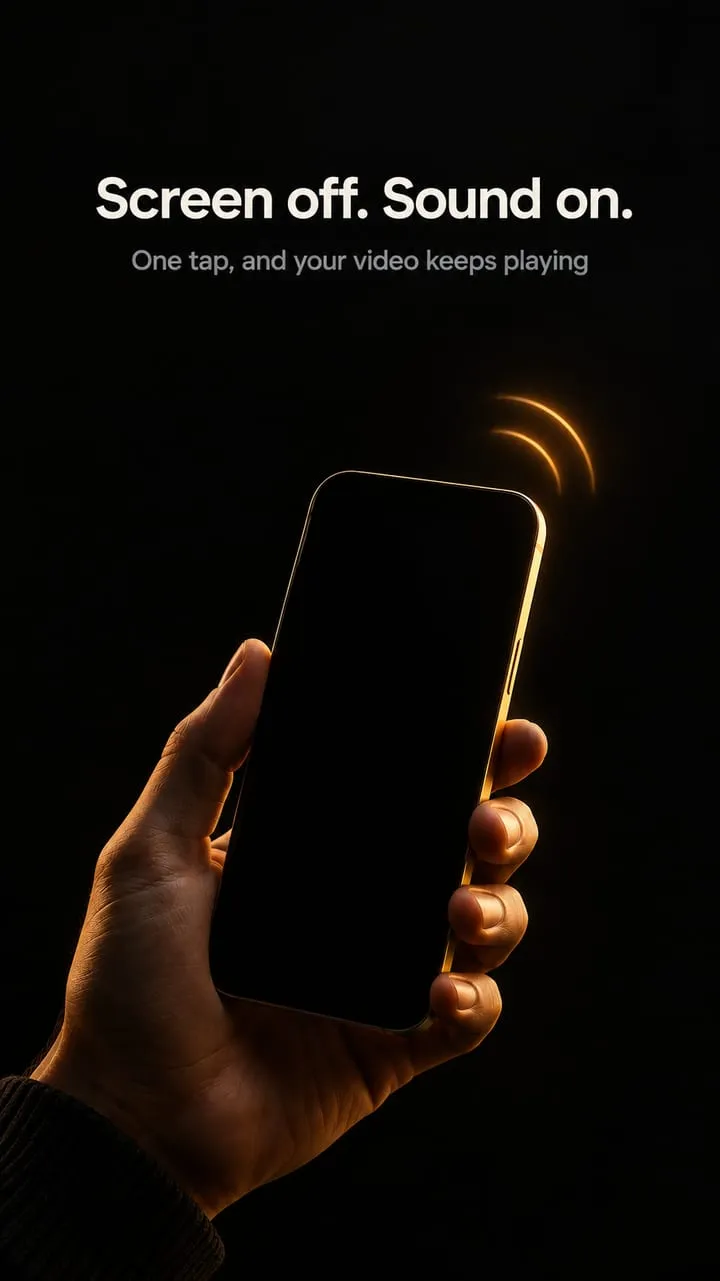
When you need the sound, not the picture.
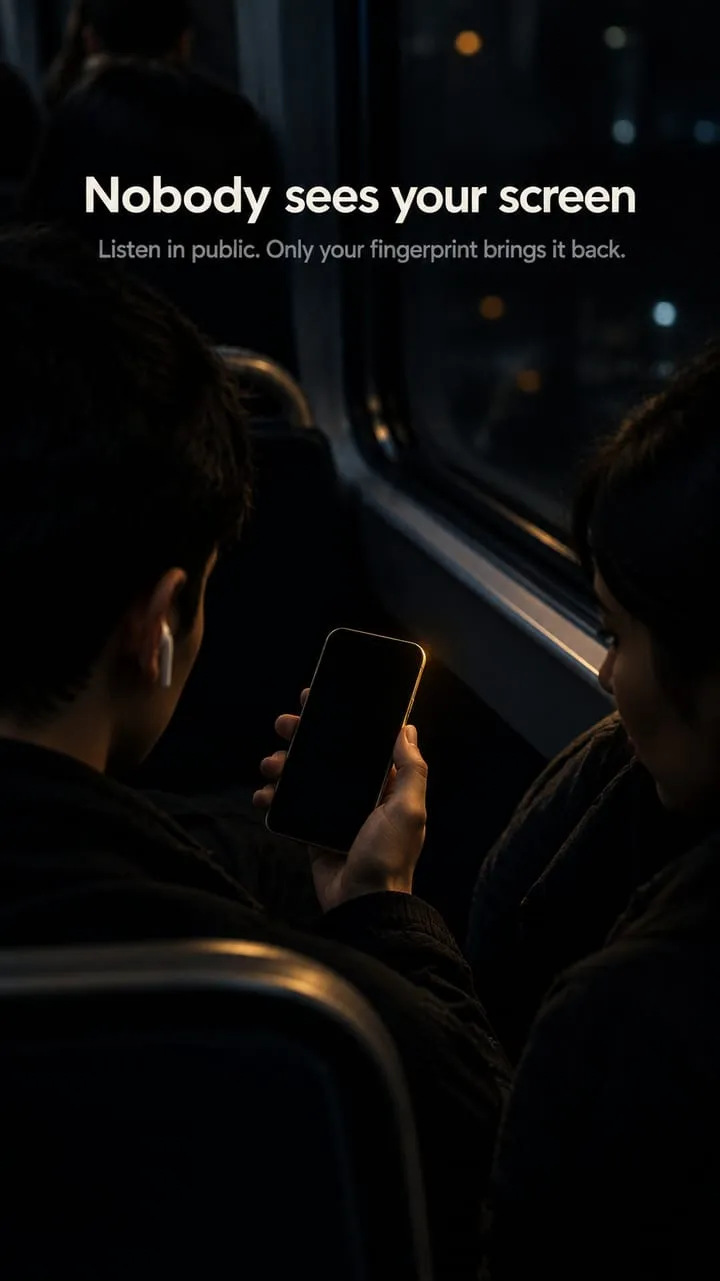
Nobody sees your screen
On a bus, in a queue, in a shared room. The picture is hidden and the sound carries on.
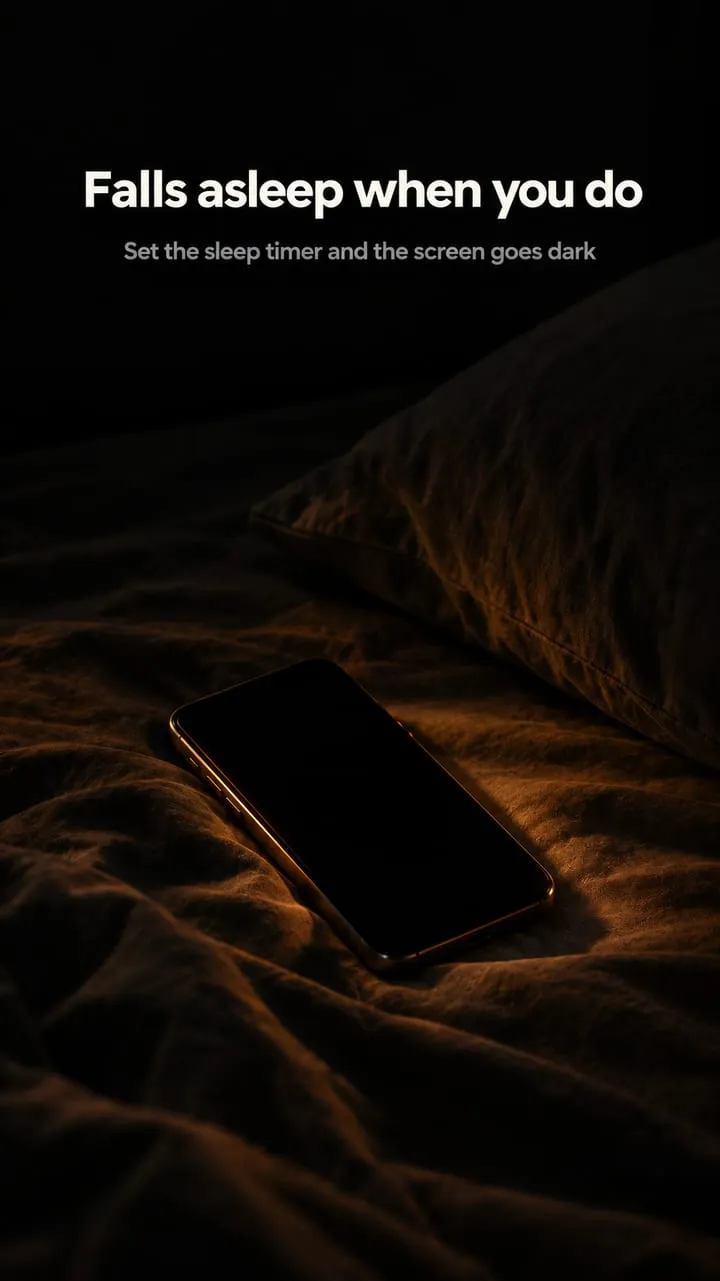
Falls asleep when you do
Set the sleep timer and the screen goes dark on its own. No light in the room.
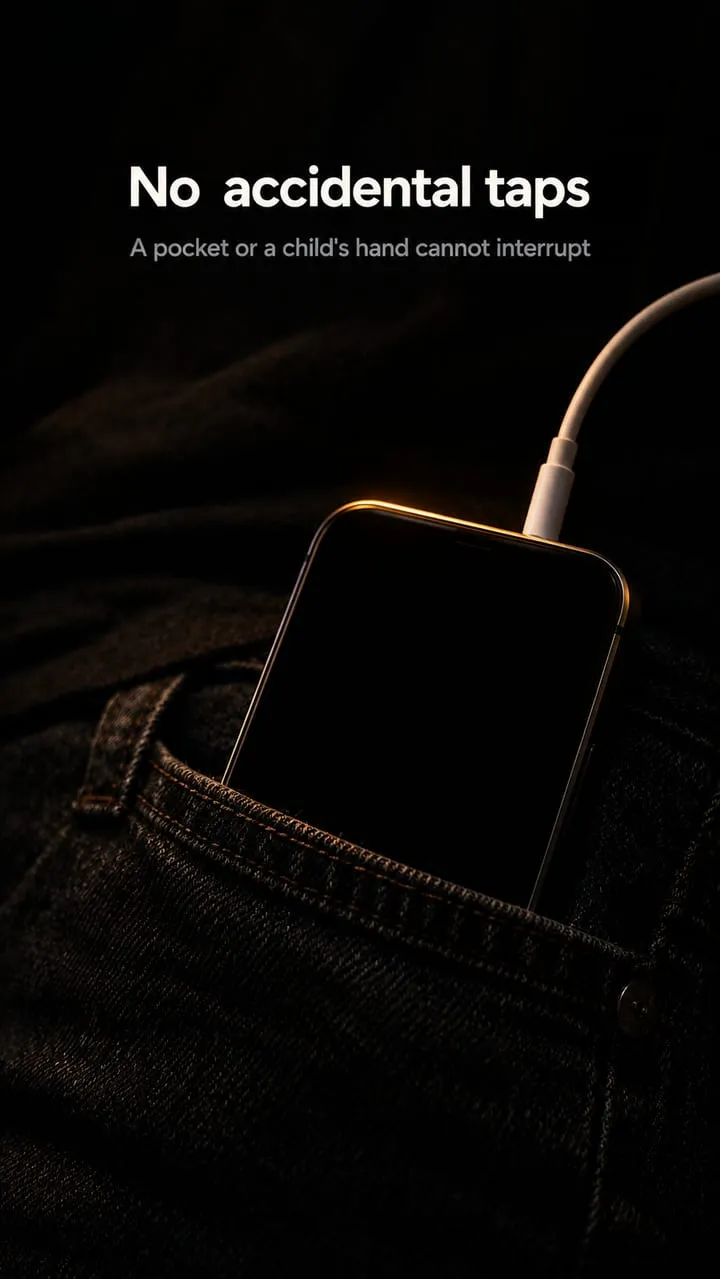
No accidental taps
A pocket, a sleeve or a child's hand can't pause or skip anything while the screen is black.
That's the whole app.
- 1 Open ScreenVeil and tap Start Service.
- 2 Allow "display over other apps" when Android asks.
- 3 A small floating button appears. Drag it anywhere.
- 4 Tap the button, or the Quick Settings tile, and the screen turns black.
- 5 Touch the screen, tap unlock, and you're back.
No account, no setup wizard, no tutorial to sit through.
Small app, the right switches.
True black overlay
Pure black, so AMOLED and OLED pixels switch off.
Dim mode
A low glow instead of full black, when black is too much.
Sleep timer
Blacks the screen out on its own after the time you set.
Floating button
One tap to go dark. Drag it wherever it's out of the way.
Quick Settings tile
Swipe down, tap once, screen off.
Pocket mode
Goes black when the phone goes in your pocket.
Biometric unlock
Only your fingerprint brings the screen back.
Clock on black
Time and date stay visible, so you can still check the hour.
The saving depends on your screen.
We don't promise a percentage, because nobody can measure one that holds for every phone. Here's what decides it.
AMOLED and OLED
Each pixel makes its own light, and a pure black pixel is switched off. The brighter your screen was and the longer you listen, the more you save.
LCD
The backlight stays on behind a black image, so the saving is small. ScreenVeil still hides the screen and blocks taps.
A dark layer, and nothing else.
One permission
Display over other apps. That's what draws the black layer. ScreenVeil doesn't read your screen, record audio or video, or need your files, contacts or location.
Lire la politique de confidentialitéWhat ScreenVeil does not do
- It doesn't change how any other app behaves.
- It doesn't unlock or bypass any app's features.
- It doesn't download, record or copy anything.
- It doesn't need an account or a sign-up.
Who uses it
- Students listening to recorded lectures
- Commuters on long rides
- Anyone falling asleep to audio
- Workouts, walks and chores
- Low-battery days
Les questions qu'on nous pose
Qu'est-ce que ScreenVeil ?
ScreenVeil is a black screen overlay for Android. One tap on its floating button or Quick Settings tile turns the screen black while whatever you were playing keeps playing. It also has a dim mode, a sleep timer, pocket mode and biometric unlock. It is free to download and needs no account.
Does the audio keep playing when the screen is black?
Yes. ScreenVeil only draws a black layer over your own screen. The app underneath stays open and carries on exactly as before, so a lecture, podcast or playlist keeps playing.
Does ScreenVeil save battery?
On AMOLED and OLED screens, yes: a pure black pixel is switched off, so the display uses less power. The brighter your screen was and the longer you listen, the more you save. On LCD screens the backlight stays on, so the saving is small. ScreenVeil doesn't promise a fixed percentage, because it differs on every phone.
Why does ScreenVeil need the "display over other apps" permission?
It is the only permission you grant, and it is how Android lets an app draw a layer on top of other apps. ScreenVeil uses it to draw the black screen. It does not read your screen, record audio or video, or need your files, contacts or location.
How do I get my screen back?
Touch the black screen to show the unlock button, then tap it. If you turned on biometric unlock, only your fingerprint lifts the black screen.
Will it stop accidental touches in my pocket?
Yes. While the black screen is on, touches are blocked until you unlock on purpose. Pocket mode can also turn the screen black on its own when the phone goes into your pocket.
Est-ce que ScreenVeil fonctionne avec des écouteurs et casques Bluetooth ?
Yes. ScreenVeil only controls what the screen shows. Android handles audio as usual, so Bluetooth headphones, wired earphones, speakers and car audio all work.
Does ScreenVeil need root?
No. Install it, tap Start Service and allow "display over other apps". There is no root, no ADB and no account.
ScreenVeil stops on my Samsung or Xiaomi phone. What can I do?
Some phones close background apps aggressively. Exclude ScreenVeil from battery optimization in your phone's settings so the overlay and the sleep timer keep running.
ScreenVeil vs Mindful Guard: what is the difference?
ScreenVeil turns your screen black while audio keeps playing. Mindful Guard, also by AppLass, keeps you out of distracting apps and limits Reels, Shorts and TikTok.
Guides du blog AppLass

Let the screen go dark.
Install ScreenVeil, tap the floating button, and keep listening.
Disponible sur Google PlayGratuit sur Google Play · Android